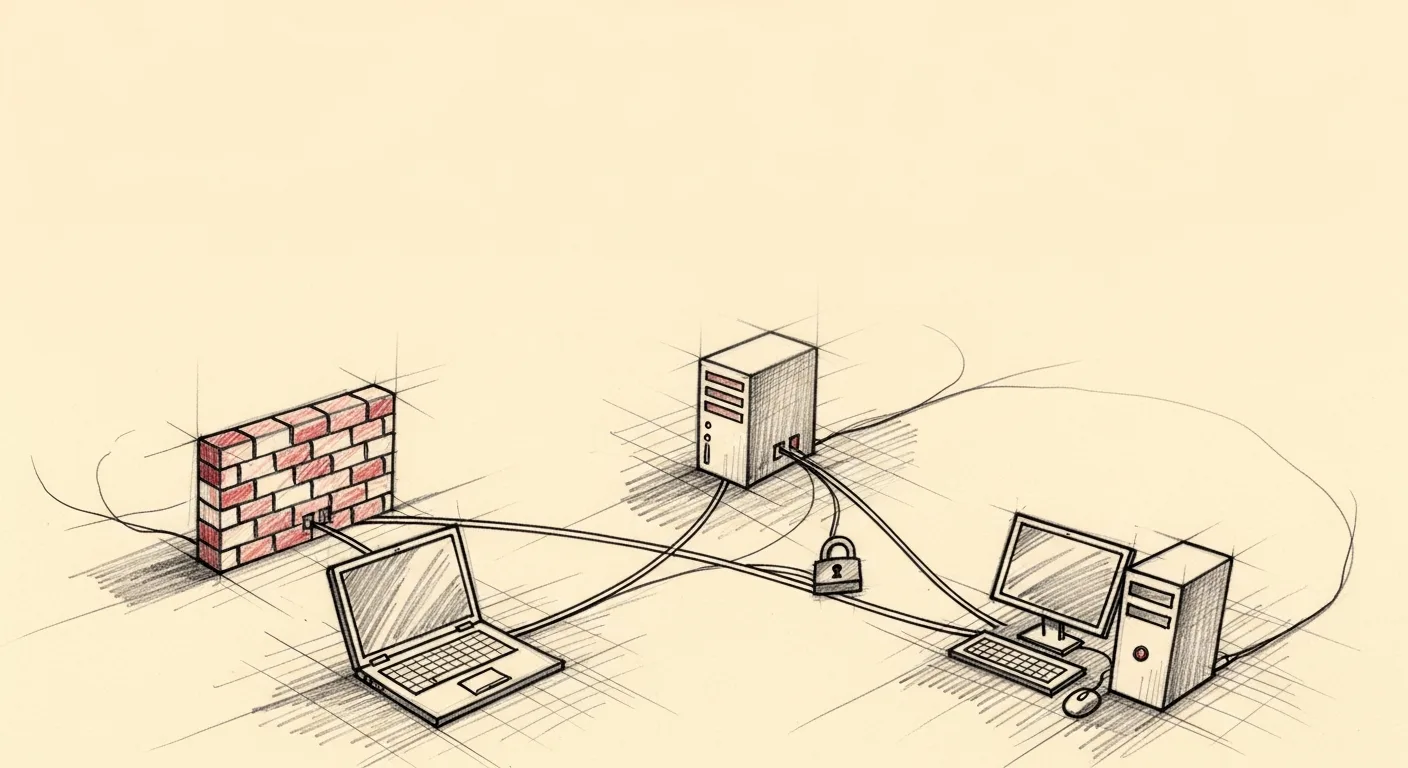
Self-Hosting RustDesk on Tailscale Without Opening a Single Public Port
RustDesk’s hosted rendezvous service went down one afternoon and locked me out of my own machines. A tool that can do that is the strongest possible argument for self-hosting, so I did. RustDesk is an open-source remote-desktop tool (like TeamViewer, but you can run the server yourself), and its free hosted service brokers the introduction between two machines. When it hiccups, you wait.
The official RustDesk self-host guide says to open ports 21115 through 21119 on your server’s public IP. Tailscale’s blog says the opposite: skip the self-hosted server and connect over a Direct IP. I already had three machines on a Tailscale mesh (a DigitalOcean droplet on Linux, a headless Mac Studio, and a laptop), each reaching the others over an encrypted WireGuard link, and I wanted RustDesk’s per-session encryption layered on top of that transport. If the machines can already see each other privately, why expose anything to the public internet? So I chose to self-host RustDesk with zero public ports. Here is the build, including the macOS config landmine that ate an hour.
The rustdesk-server-oss setup, in five steps
Run the server on the droplet, bind its relay to the droplet’s Tailscale IP, point both clients at that Tailscale IP. Zero open public ports, zero DigitalOcean cloud-firewall changes.
1. Download rustdesk-server-linux-amd64.zip (v1.1.15 at time of writing) to the droplet and unzip it. 2. Start hbbs (rendezvous) with the droplet’s Tailscale IP as the relay address:
./hbbs -r 100.64.0.103. Start hbbr (relay):
./hbbr4. Read the public key that hbbs auto-generates on first run. Clients use it to verify they’re talking to your server and not an impostor:
cat id_ed25519.pub5. On both clients (laptop and Mac Studio), open RustDesk’s network settings and point the ID Server and Relay Server at the droplet’s Tailscale IP (100.64.0.10), paste the public key into the Key field, and leave the API Server blank.
The wall: the DigitalOcean firewall
The first install attempt failed. My first try used the droplet’s public IPv4 (203.0.113.10) as the relay address, and a reachability test from another Tailscale node failed cold. None of the ports answered. The droplet sat behind both ufw (Ubuntu’s local firewall) and a DigitalOcean cloud firewall, and neither was opening the RustDesk ports.
The fix was to route around the firewall instead of fighting it: bind the relay to the Tailscale IP. Set hbbs -r 100.64.0.10 and the rendezvous server hands clients the Tailscale IP, so the public IPv4 becomes irrelevant. The RustDesk ports now live on the tailscale0 interface, and the DigitalOcean cloud firewall only filters the public interface, so those ports never need a rule. (WireGuard’s own transport still reaches the droplet over UDP, and Tailscale falls back to its DERP relay if that handshake is blocked, but you never open a single RustDesk port.)
The architecture
Three nodes, one mesh, no public ports. Every link is WireGuard-encrypted by Tailscale, which handles NAT traversal and peer authentication on its own.
laptop (100.64.0.30)                   ┐
   │  Tailscale WireGuard               ├── all three on the same Tailnet
   ▼                                    │
DO droplet (100.64.0.10)                │
   ├─ hbbs (rendezvous + signaling)     │
   └─ hbbr (TURN-style relay)           │
   ▲                                    │
   │  Tailscale WireGuard               │
Mac Studio (100.64.0.20)               ┘
hbbs binds ports 21115, 21116 (TCP and UDP), and 21118. hbbr binds 21117 and 21119. None are reachable from outside the Tailnet, and nothing needs to be. RustDesk’s “you must port-forward” reputation is simply wrong if you’re already on a mesh.
The macOS landmine: pointing RustDesk at a custom server means winning three times
On macOS, RustDesk does not respect a single config file. It keeps three copies (a user-level file, a root daemon’s private copy, and an in-memory copy passed between processes), and you have to convince all three or the app quietly lies about which server it’s using.
The user-level config lives at ~/Library/Preferences/com.carriez.RustDesk/RustDesk2.toml. The documented fix for a custom server is to edit that file: set custom-rendezvous-server, relay-server, and key under [options], plus rendezvous_server at the top level. Standard stuff.
That assumption broke. RustDesk read my patched config once at startup, registered with my server (the update_pk line landed in hbbs.log), and then within seconds wrote the config back to disk with rendezvous_server reverted to rs-ny.rustdesk.com:21116 and my custom entries stripped out of [options]. The app was back on RustDesk’s hosted server, showing me my own deleted settings as if nothing had happened.
Will chmod 444 stop RustDesk from overwriting the config?
Half of it. Making the config read-only stops the user-level process from overwriting your edits, but it does not stop the second process from phoning home.
chmod 444 ~/Library/Preferences/com.carriez.RustDesk/RustDesk2.tomlAfter that, the GUI process behaved. But RustDesk’s --server process (the one that accepts incoming control sessions) still connected to rs-ny.rustdesk.com. The server-mode log said so plainly: start rendezvous mediator of rs-ny.rustdesk.com.
What’s the third config copy, and why does it need root?
A root-level daemon. /Applications/RustDesk.app/Contents/MacOS/service runs as root through a LaunchDaemon (a background service macOS keeps alive and restarts) registered at com.carriez.RustDesk_service.plist. It had been running since first install (PID 532, roughly 10 days of uptime when I started debugging). The user-level --server process inherits config from this root service over inter-process communication, and the root service holds its own cached copy in memory.
So the user config was fixed and the daemon kept overriding it from a copy I couldn’t see. Reconfiguring a root daemon requires sudo. The fix was a root-level mirror of the config plus a daemon restart:
sudo mkdir -p /var/root/Library/Preferences/com.carriez.RustDesk/
sudo cp ~/Library/Preferences/com.carriez.RustDesk/RustDesk2.toml /var/root/Library/Preferences/com.carriez.RustDesk/
sudo chmod 444 /var/root/Library/Preferences/com.carriez.RustDesk/RustDesk2.toml
sudo killall service     # launchd KeepAlive respawns it with the new config
pkill -f "RustDesk.app/Contents/MacOS/RustDesk"   # also clear stale user processes
open -a RustDesk
/var/root is the root user’s home directory on macOS, where a root-launched daemon looks for its preferences. Mirroring the config there, locking it read-only, and letting launchd respawn the daemon was the combination that stuck. The server log flipped immediately: start rendezvous mediator of 100.64.0.10. Latency over Tailscale was 68ms. Done.
Searching for "rustdesk-server-oss" macOS config /var/root returns nothing useful, so if you’ve hit this, you’ve been stuck on the same undocumented wall I was.
Why RustDesk on top of Tailscale (and not just Apple Screen Sharing)?
Apple Screen Sharing over Tailscale would have been simpler, and tunneled through WireGuard it is encrypted in transit. RustDesk adds a second independent envelope: its own key exchange and AES encryption on the session, so a hypothetical WireGuard bug still would not expose the screen. That is defense in depth. It also brings an audit trail VNC lacks (per-session approval, recorded session keys), which matters for a workstation holding private keys, financial credentials, and customer data. The cost of running it on top is one extra binary per end and a 12 MB server install.
The whole detour cost about two hours, most of it on the macOS three-config problem. The result is a remote-desktop setup with no public ports, no firewall changes, two layers of encryption, and no dependency on a vendor’s hosted service that can lock me out on a bad afternoon.
Frequently asked questions
Does RustDesk work with Tailscale?
Yes, and you have two options. You can skip the self-hosted server and connect two machines over their Tailscale IPs directly, which Tailscale recommends for single-user setups. Or you can run rustdesk-server-oss on one node, bind its relay to that node’s Tailscale IP, and route every client through it. The second path adds RustDesk’s per-session encryption and permission model on top of WireGuard, which is worth it for multi-node or audit-sensitive use.
How do I self-host RustDesk without opening firewall ports?
Bind the rendezvous server’s relay address to your mesh IP instead of your public IP. Running hbbs -r <tailscale-ip> tells clients to relay through the Tailscale network, so traffic enters the server over WireGuard and never touches the public firewall’s port rules. No port-forwarding, no cloud-firewall edits, nothing exposed to the open internet.
Is RustDesk safe to use without their hosted server?
It’s arguably safer. Running your own hbbs and hbbr means your connection metadata never transits RustDesk’s infrastructure, and pasting your server’s public key into each client prevents a rogue server from impersonating yours. RustDesk’s session encryption is end to end regardless of which rendezvous server you use, so self-hosting removes a third party without weakening the crypto.
How do I configure RustDesk for a custom server on macOS?
Edit ~/Library/Preferences/com.carriez.RustDesk/RustDesk2.toml to set your server under [options], but be warned: a root LaunchDaemon keeps a second config copy that overrides it. You have to mirror the file into /var/root/Library/Preferences/com.carriez.RustDesk/, chmod 444 both copies, then sudo killall service to force the daemon to respawn with your settings. Skipping the root step leaves the --server process phoning home to rs-ny.rustdesk.com.
RustDesk vs Apple Screen Sharing over Tailscale: which is better?
Apple Screen Sharing is simpler and, tunneled through Tailscale, encrypted in transit. RustDesk adds a second independent encryption layer plus per-session approval and recorded keys. For casual access to a home Mac, Screen Sharing is fine. For a workstation holding sensitive data, RustDesk’s defense-in-depth and audit trail justify the extra binary.
How a CEO uses Claude Code and Hermes to do the knowledge work
A blank or generic config file means every session re-explains your workflow. These are the files I run daily as CEO of a cybersecurity company managing autonomous agents, cron jobs, and publishing pipelines.
- CLAUDE.md template with session lifecycle, subagent strategy, and cost controls
- 8 slash commands from my actual workflow (flush, project, morning, eod, and more)
- Token cost calculator: find out what each session is actually costing you
One email when the pack ships. Occasional posts after that. Unsubscribe anytime.